Your OCI,
beautifully
at hand.
A private, on-device home for your OCI and Indian e-Visa PDFs — for you and your family.
- Processed locally
- Encrypted on your device
- Built for families
 iPhone and iPad · Free on the App Store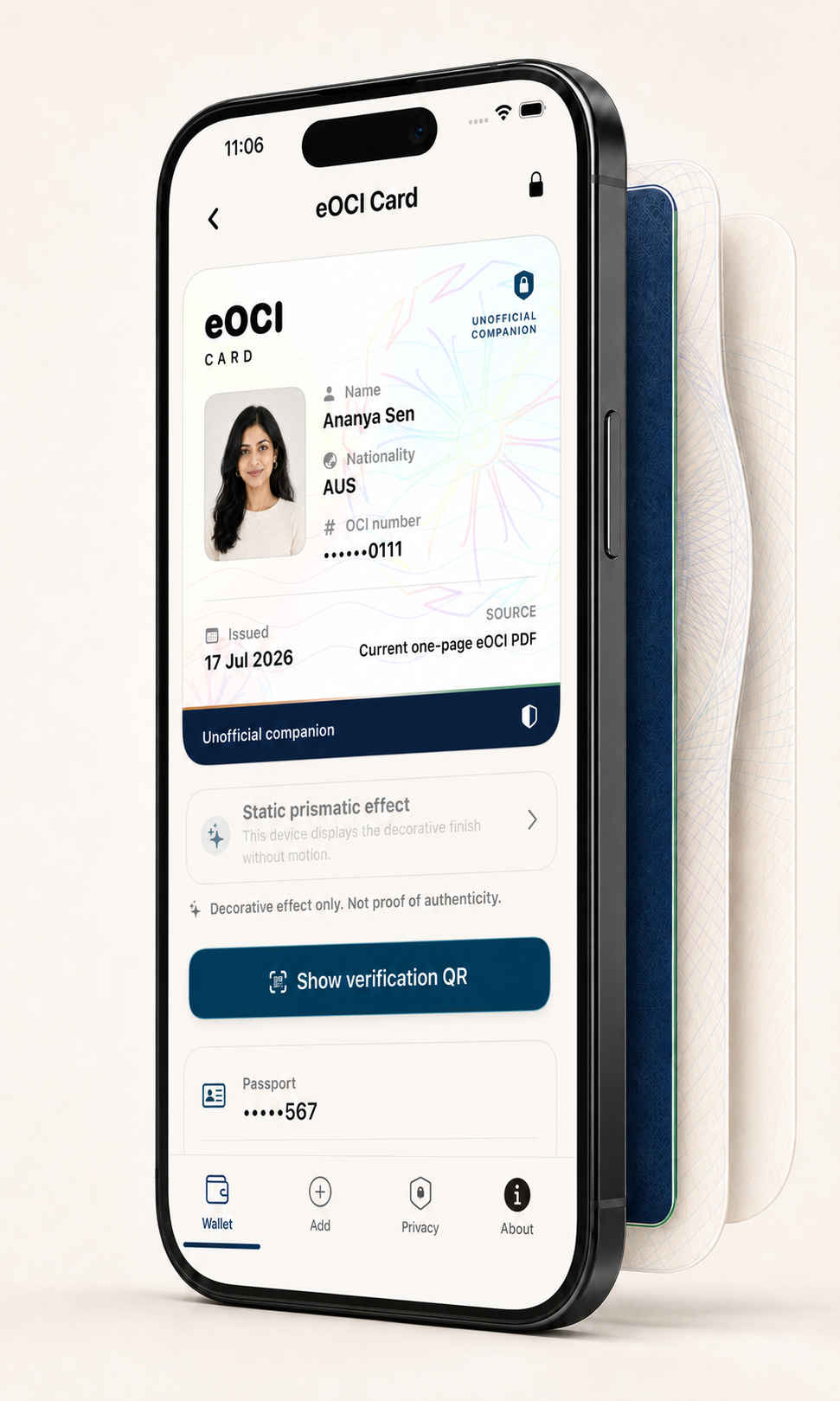
A private, local-first journey
Add your eOCI
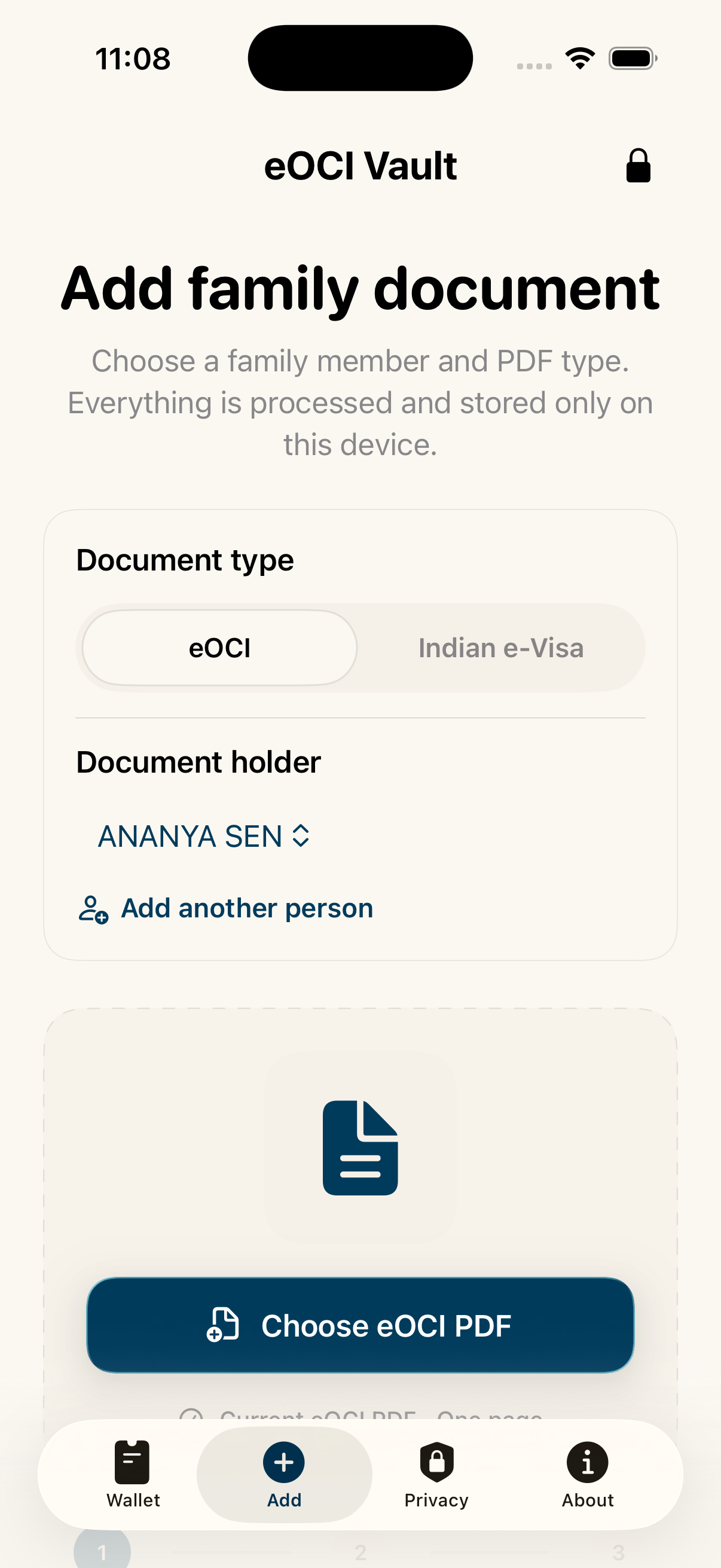
Import the current eOCI PDF. It is read and stored on your iPhone.
Unlock privately
Choose supported biometrics or a PIN. You remain in control of access.
Present beautifully
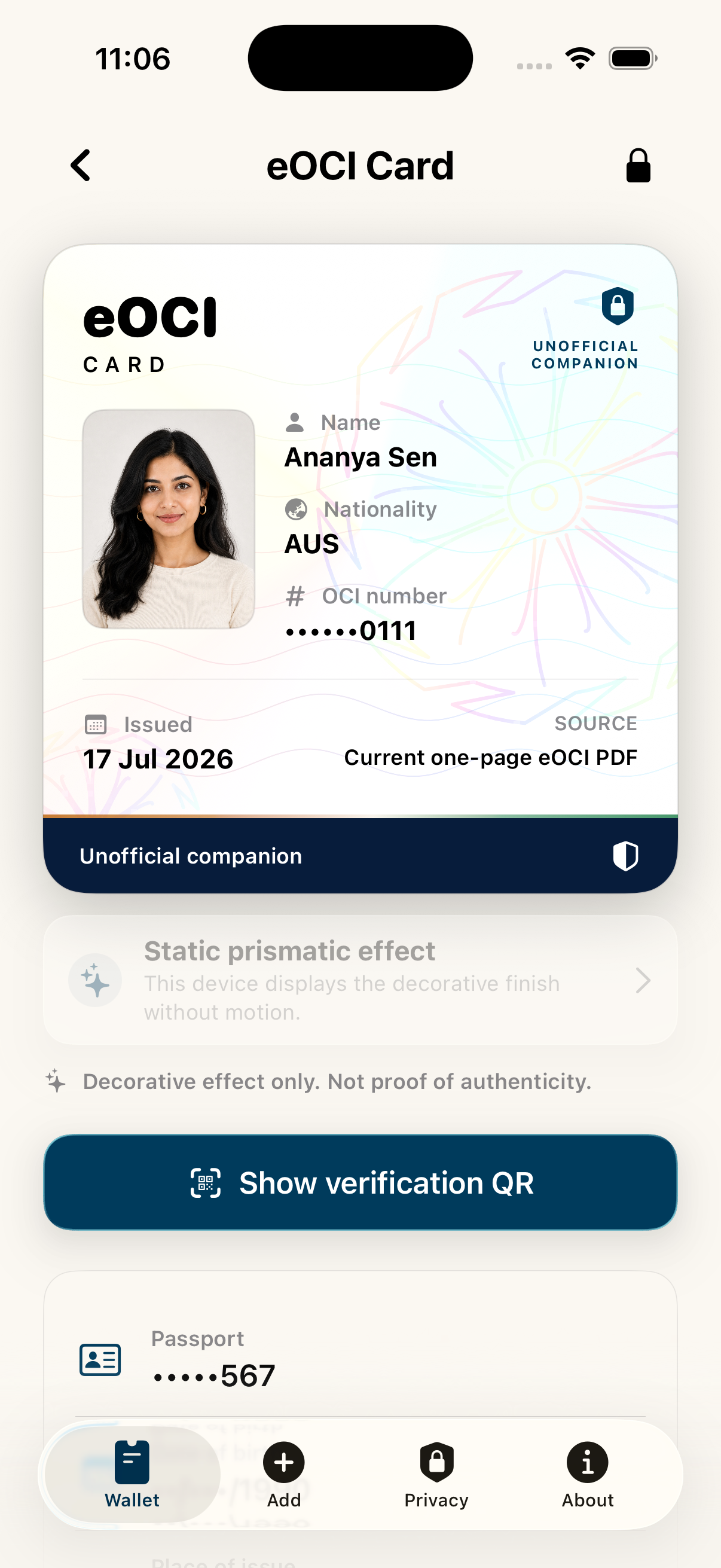
Open a readable card, source QR, and details when you need them.
Start with your current eOCI PDF.
The native app reads the supported PDF on your iPhone and keeps the source inside its encrypted local vault.




Organise what matters.
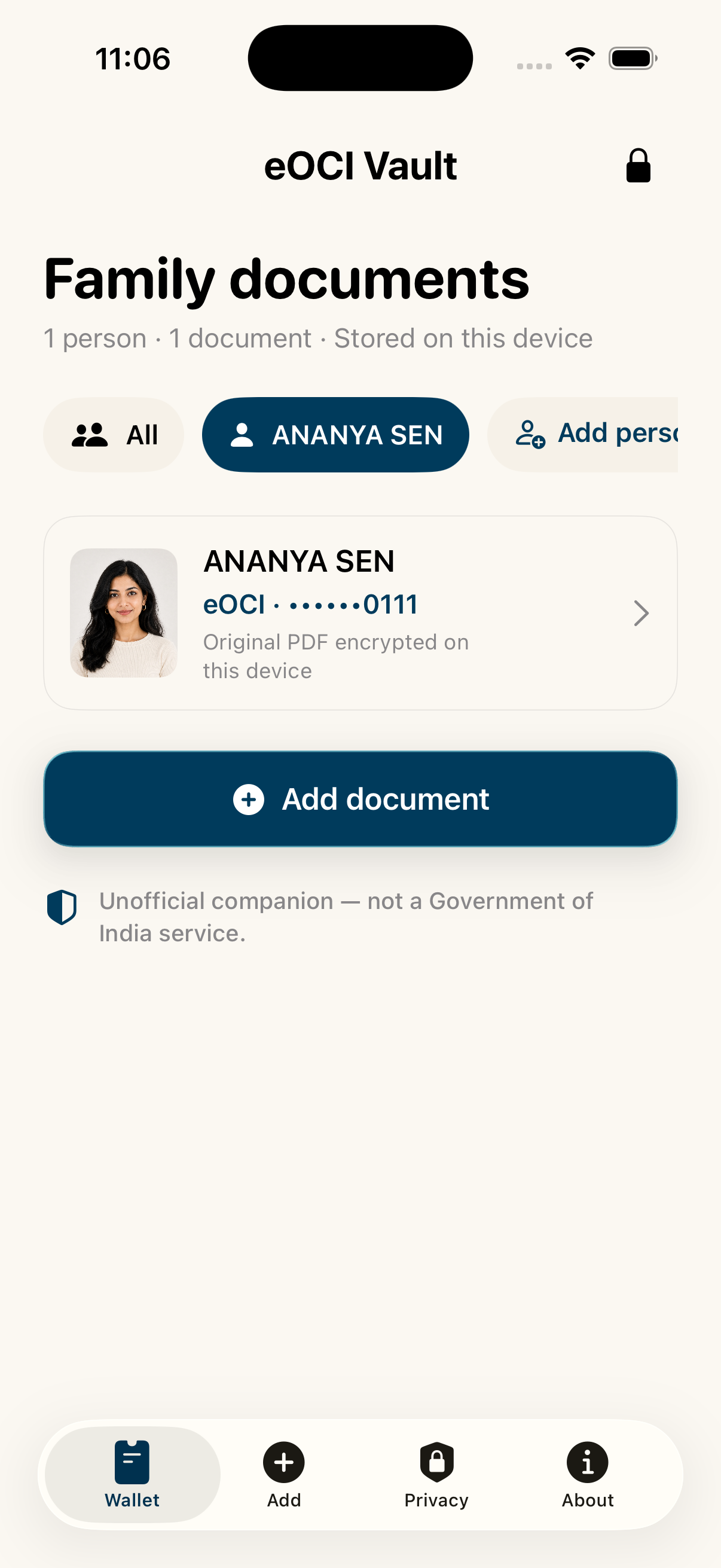
Create family profiles and keep each person’s OCI and Indian e-Visa documents separate in one private place.
- Multiple family profiles
- Documents organised by person
- Your device, your access
A clean card.
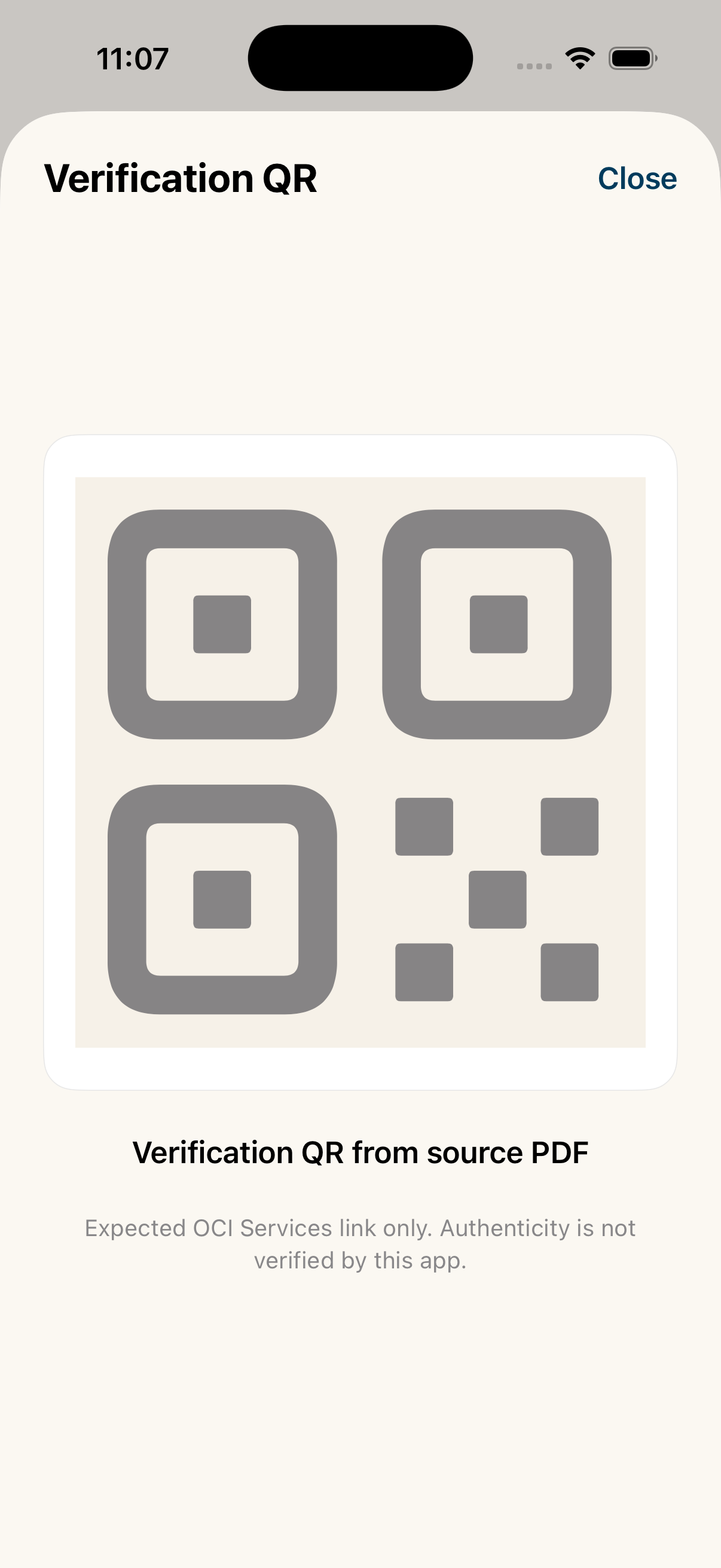
A quick source QR.
Open essential details in a readable card, then show the source QR from the original PDF when needed.
Quick access.
Carefully bounded.
Apple Wallet export is not available in this app release. Any future companion pass will require a separate privacy, legal, signing, and physical-device release review.

Your data.
Your device.
Your rules.
- No account or sign-up
- No document upload or cloud vault
- Encrypted local storage
- Biometric or PIN access
- You choose when anything is shared
Questions worth asking.
Simple answers about privacy, verification, family use, and Apple Wallet.
Is eOCI Vault an official OCI app?
No. eOCI Vault is an independent, unofficial companion. It is not affiliated with, authorised by, or endorsed by the Government of India or any government agency.
Does the app upload my OCI or e-Visa PDF?
The native app is designed to read and store supported documents locally in its encrypted vault. The marketing website does not receive documents or identity information.
Can I organise documents for my family?
Yes. You can create family profiles and organise multiple OCI and Indian e-Visa documents when you are authorised to manage them.
Does the QR prove that my OCI is valid?
No. The app displays the source QR from the original PDF for convenience. It does not verify identity, document authenticity, immigration status, or travel eligibility.
Is Apple Wallet export available now?
No. Apple Wallet export is not available in this app release and will require a separate release review. Any future pass would remain an unofficial OCI-only companion; Indian e-Visas are not exported to Apple Wallet.
Ready to try eOCI Vault?
Download it from the App Store and keep your OCI privately at hand.
iPhone and iPad · Free on the App Store